

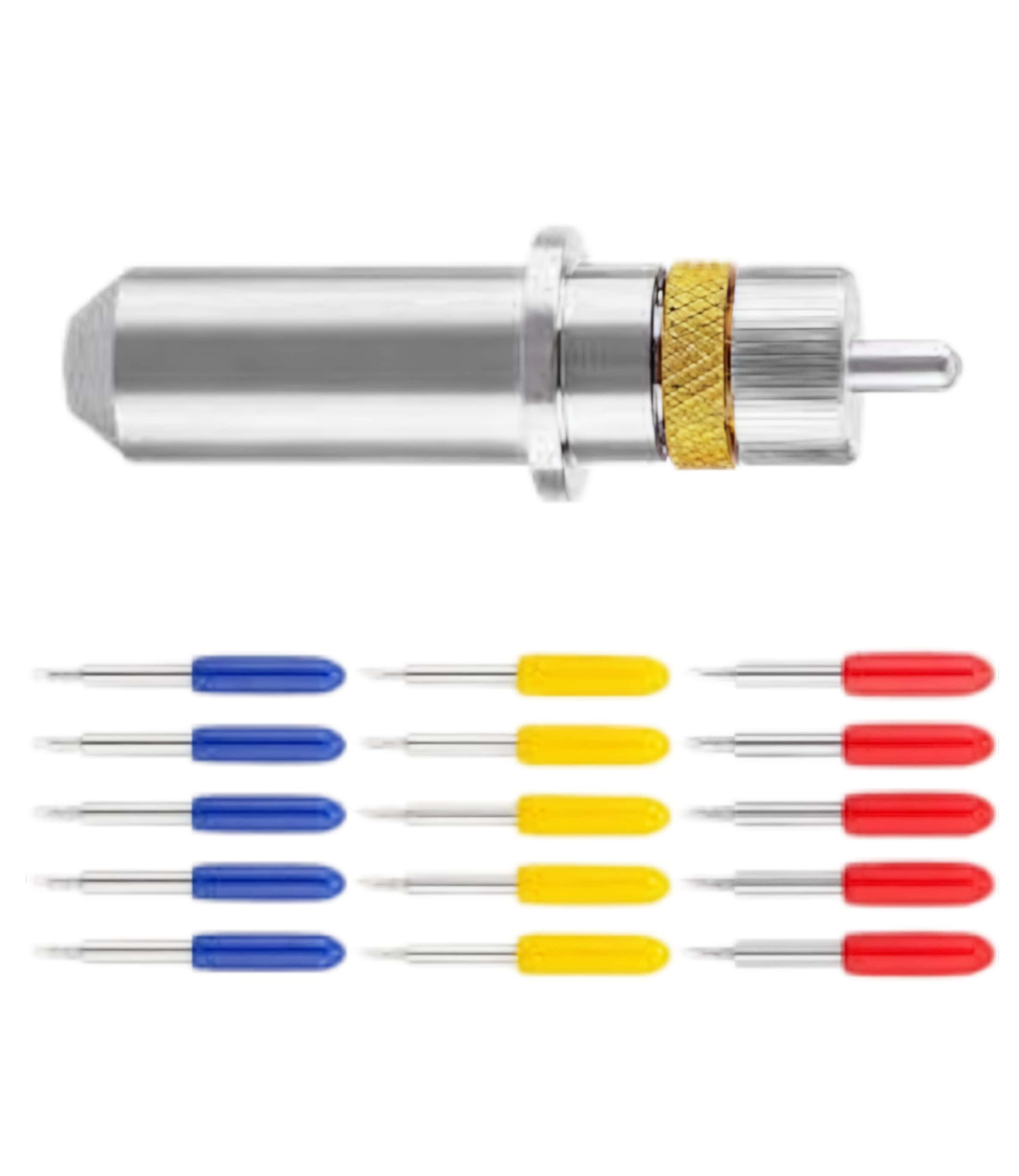
1. Remove the Blade Holder
Access the tool: On some models, like the CJV300/150, select "cutting tool change" from the menu to move the carriage to a reachable position.
Loosen the clamp: Turn the tool holder knob counterclockwise to loosen the presser.
Extract: Pull the blade holder out of the machine.
2. Swap the Blade
Open the holder: Unscrew the cap at the bottom or top of the holder (depending on your specific Mimaki holder model).
Remove the old blade: Carefully pull the old blade out. You can use tweezers if the blade is chipped or difficult to grab.
Clean the housing: Use a soft brush or compressed air to clear any debris or vinyl bits from inside the holder and the bearing.
Insert the new blade: Remove the protective rubber guard from the new blade and insert it into the holder with the sharp end facing out. If it is a magnetic holder, you should hear a "click" as it seats.
Replace the cap: Screw the cap back onto the holder.
3. Adjust Blade Depth (Crucial)
Setting the correct protrusion is vital for quality cuts.
Protrusion guide: The blade should only extend roughly half the thickness of a credit card (approx. 0.1 mm to 0.2 mm).
Adjustment: Turn the aluminum adjuster or knob at the top of the holder. Turning it clockwise typically increases the protrusion.
Manual test: Before placing it back in the machine, try manually cutting a circle on scrap vinyl. You should be able to weed the circle easily, and there should only be a very light score mark on the backing paper.
4. Reinstall and Calibrate
Mount: Place the holder back into the tool carriage and tighten the screw fingertight.
Machine test cut: Run a "Test Cut" or "Square Cut" from the plotter's menu.
Fine-tune pressure: If the blade is set correctly but isn't cutting through, increase the cutting force/pressure in the machine settings rather than extending the blade further. Standard vinyl usually requires 40–70g, while laminated vinyl may need 90–130g
-
Mimaki Spb-0003 Swivel Blades/Mimaki Vinyl Plotter Cutter Knife Blades For Mimaki Vinyl Cutters
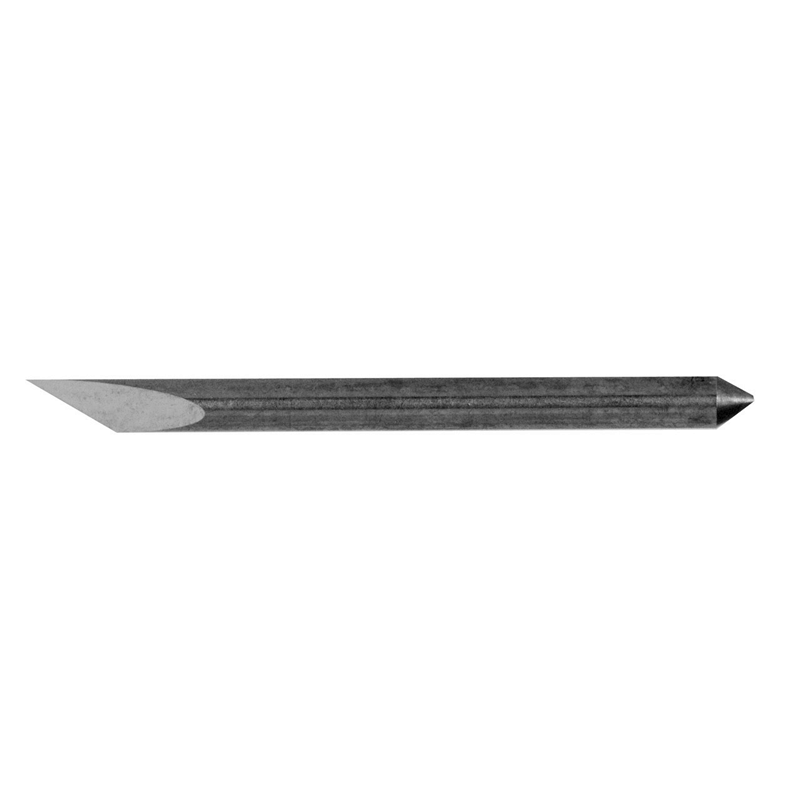
-
Mimaki Spb-0005 Swivel Blade/Mimaki Vinyl Plotter Cutter Knife Blades For Sale Shop

-
Mimaki Spb-0006 Swivel Blade/Mimaki Vinyl Plotter Cutter Knife Blades-Compatible Replacement
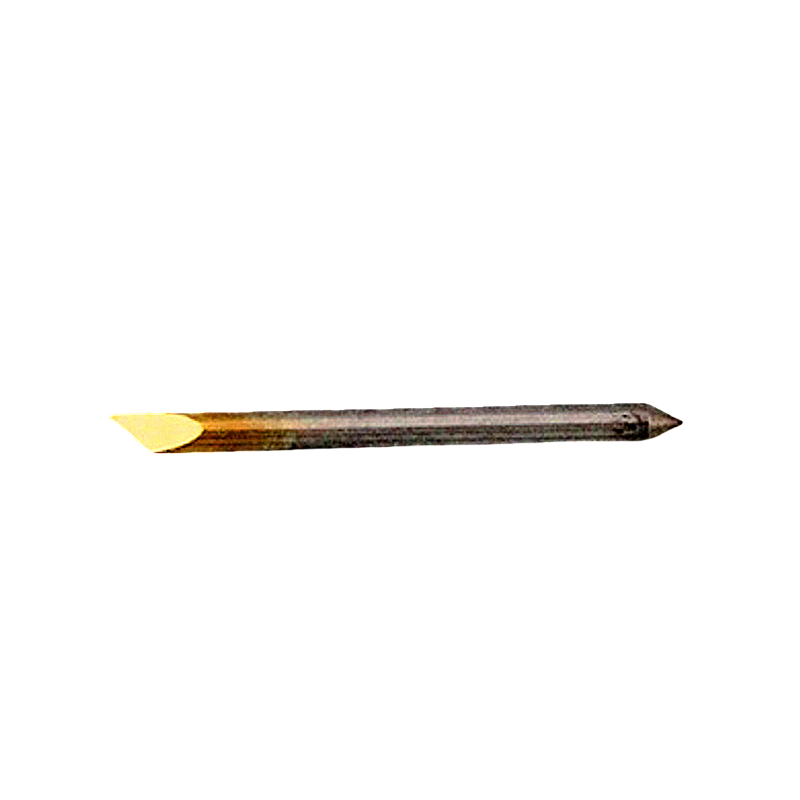
-
Mimaki Spb-0007 Swivel Blade/Mimaki Vinyl Plotter Cutter Knife Blades For Sale Price Shop

-
Mimaki Spb-0030 Swivel Blade/Mimaki Vinyl Plotter Cutter Knife Blades For Sale Price Shop
SHARE:


PREV : China Atom 01040073 01046251 01033856 01030773 01039999 01047659 Digital Cutting Systems Blades Sele NEXT : Mimaki CG-AR Series Cutting Plotter Knives Knife Blades