

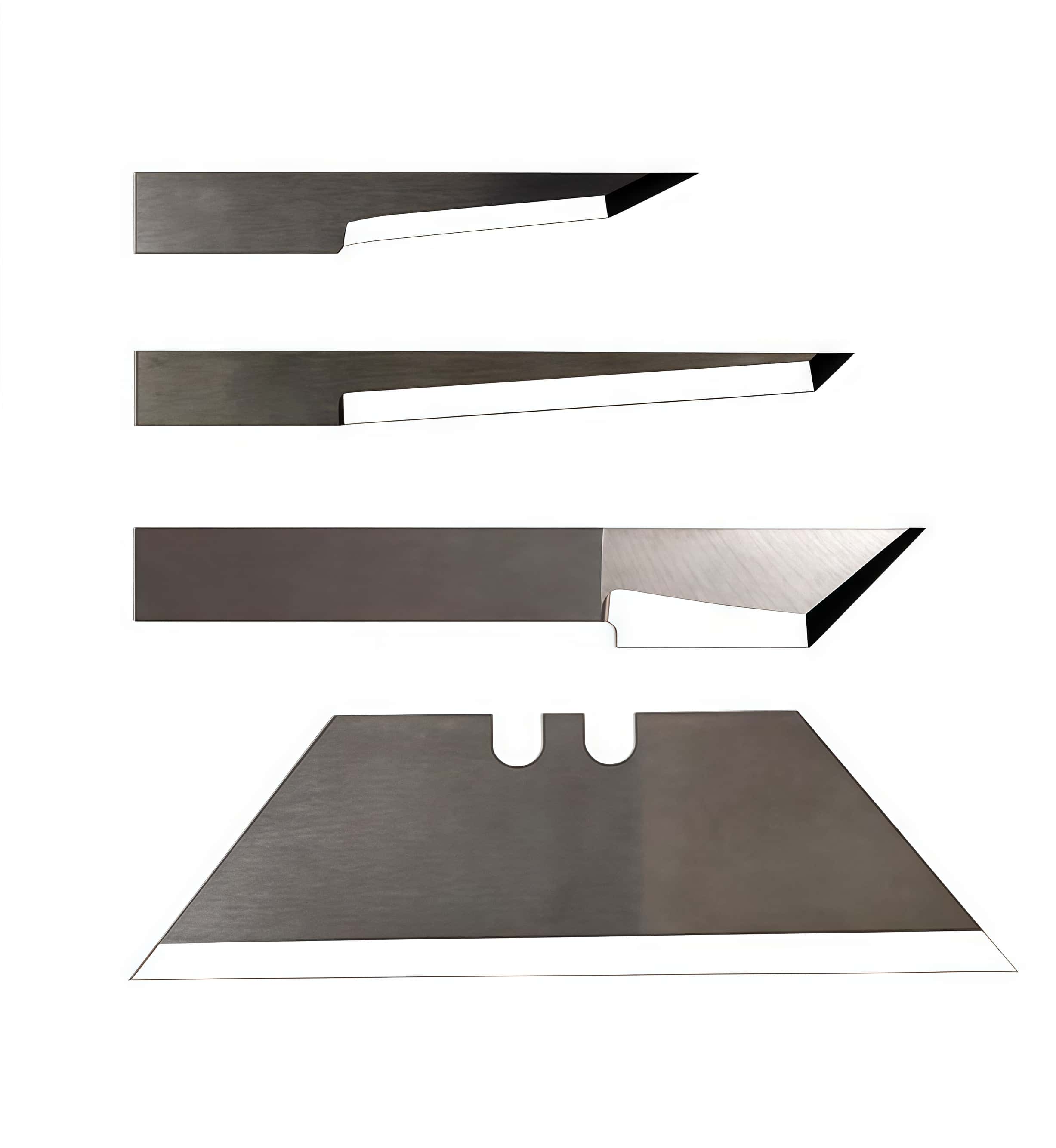
Blade Replacement Steps
1. Release the Tool:
Open the Axis Control software and click the "Change Tool" button to disengage the tool safely.
2. Remove the Holder:
Loosen the screw on the module by turning it counterclockwise, then carefully remove the drag knife holder.
3. Extract the Old Blade:
Turn the knurled adjustment wheel on the holder clockwise until it pushes the current blade out. Remove the old blade with care.
4. Insert the New Blade:
- Remove the safety cap from your new knife blade.
- Place the dull (non-cutting) end of the blade, typically the conical section, into the narrow end of the holder. Firmly push it in until it cannot go further.
5. Adjust the Blade Depth:
- Turn the adjustment screw to retract the blade completely into the holder.
- Slowly rotate the screw clockwise, just enough so that only the very tip of the blade is visible.
6. Reinstall and Finalize:
- Securely insert the blade holder back into its module and tighten the screw by turning it clockwise.
- Press "Online" in Axis Control to return the flatbed cutter to its operational state.
By following these steps, you can ensure a safe and efficient blade replacement process, minimizing downtime and maintaining optimal cutting performance.
Blade Tips for F Series
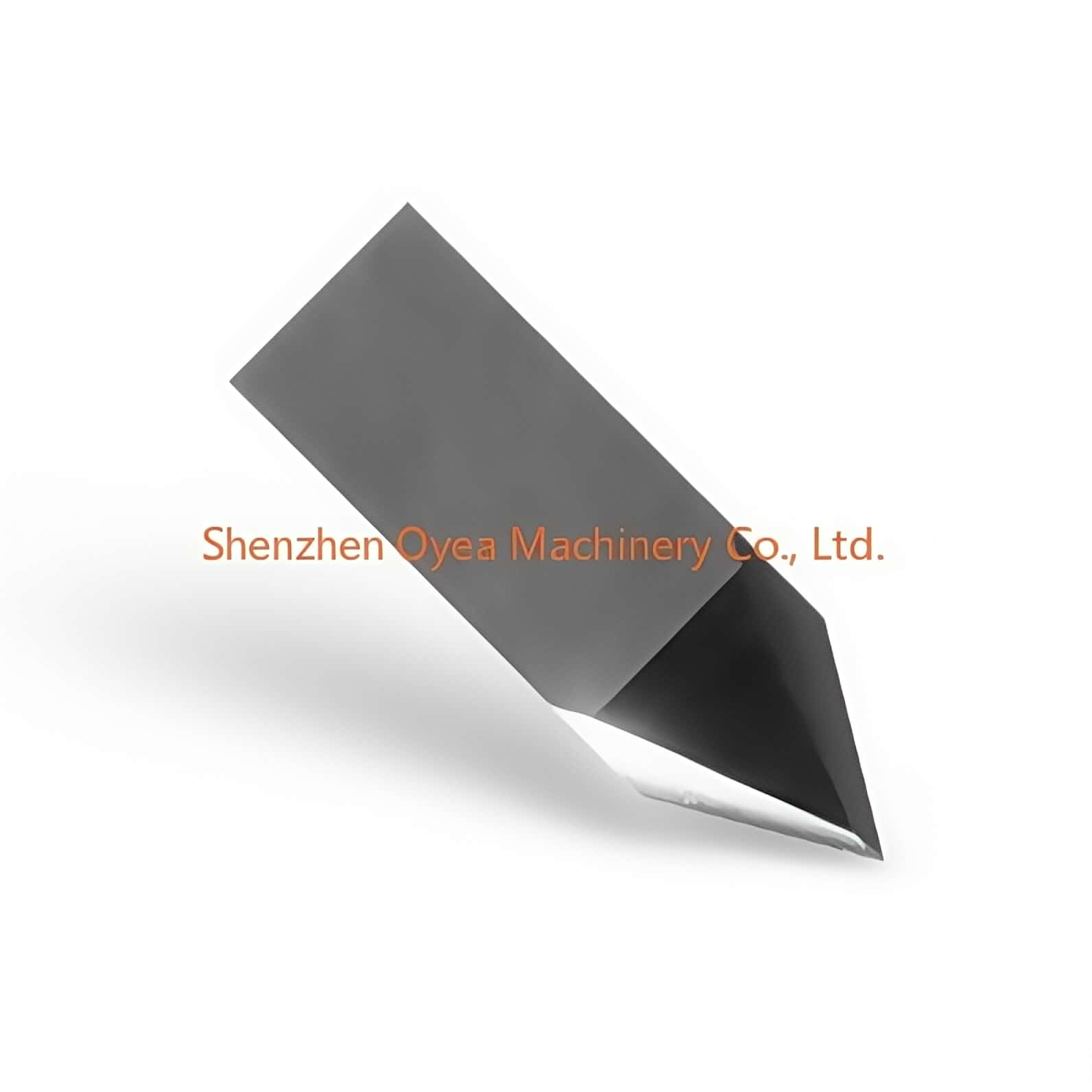
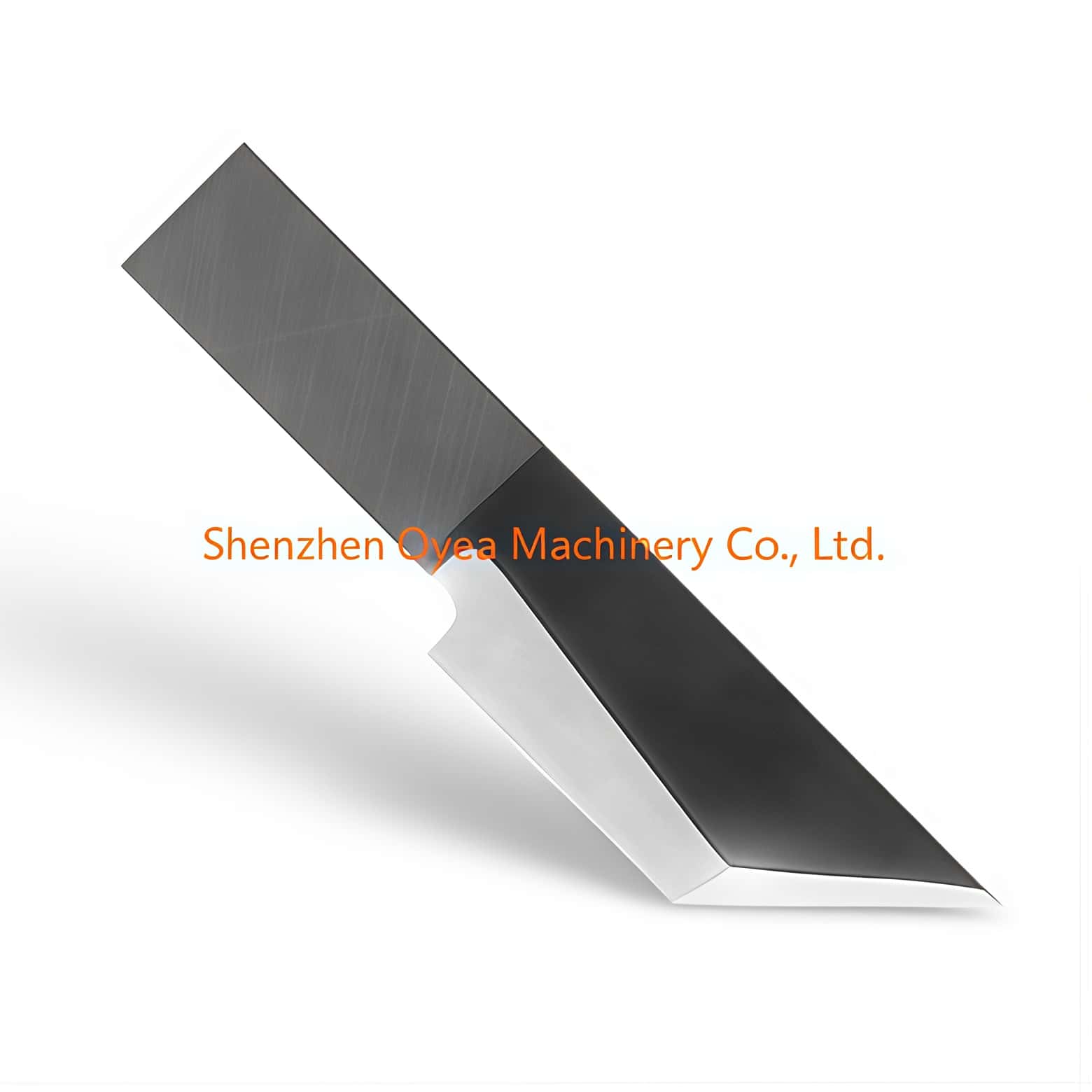
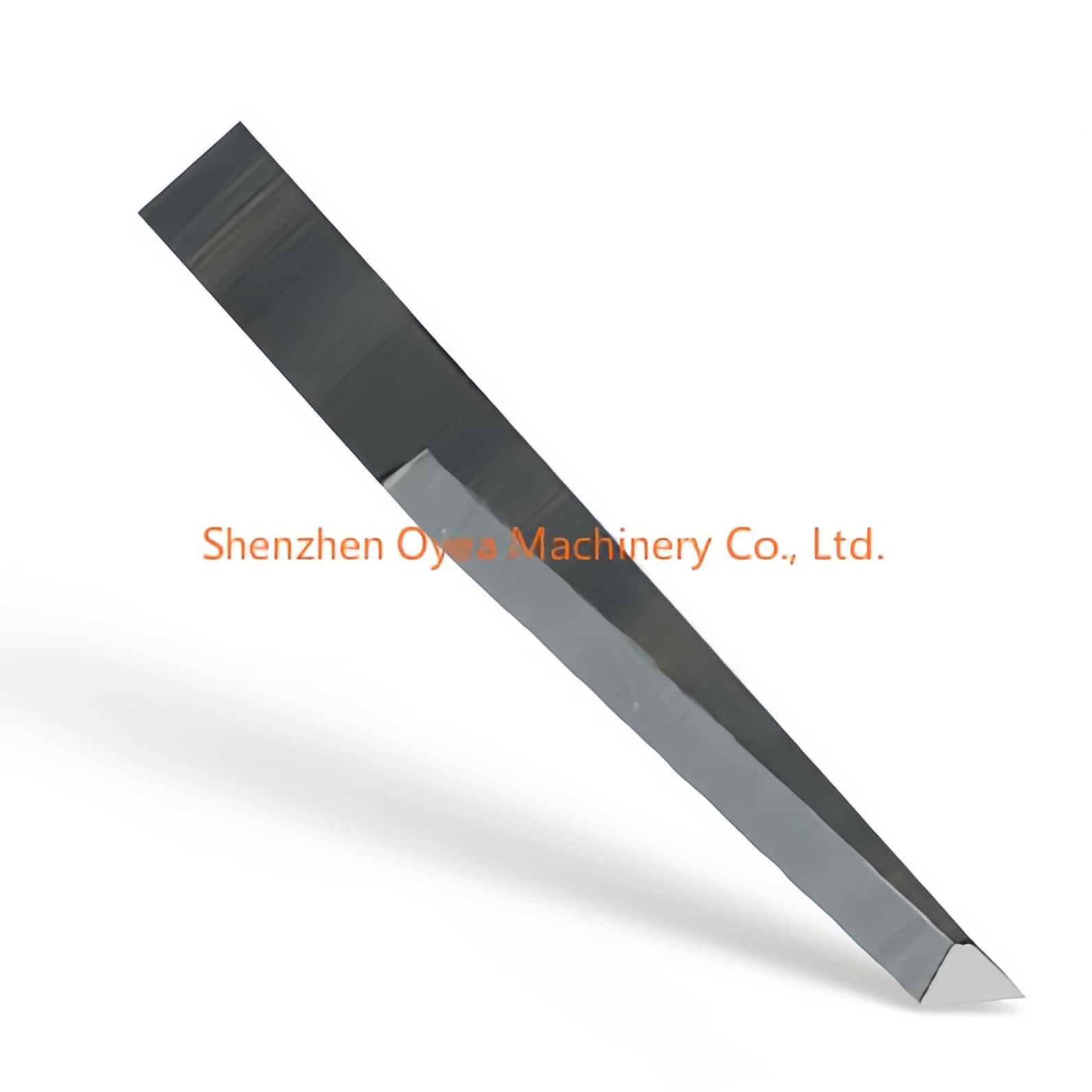
When working with the F Series equipment, such as models F1612 and F1625, selecting the right drag knife is crucial. For general purposes, double-edge 50° blades are quite effective. However, if you need something more robust, consider tungsten carbide blades like the 500-9802 model, especially if you're cutting materials that are up to 12mm thick. It’s important to choose the right blade angle for your specific material—use a 36° blade for vinyl, for example. Don’t forget to wear safety gloves to prevent any accidental cuts.
Video Resources for Guidance
If you're a visual learner, you might find Summa’s tutorial videos extremely beneficial. Check out resources like "How to Install a Drag Blade," which guides you on switching from tangential to drag setups. There are also videos tailored for F Series machines that demonstrate how to replace knives effectively. Once you’ve installed your blade, don’t forget to fine-tune the blade depth in the cutter settings. This adjustment is key for achieving precision in your cuts, whether you’re going for a kiss-cut or a full through-cut.

SHARE:


PREV : China Tungsten Steel Blades, Carbide Blades, Which Chinese Factory, Distributor Is The Best NEXT : Summa f Series Flatbed Cutter Plotter Cutting Systems Knives Knife Blades